Building a WhatsApp chatbot used to require developers, API expertise, and weeks of work. With postpulse.socialctrstaging.com/'s Bot Studio, you can create an intelligent, AI-powered chatbot in under an hour — without writing a single line of code.
Step 1: Define Your Flow
Start by mapping out the conversation your bot should handle. Common starting points include: welcome messages with menu buttons, FAQ responses, order tracking, appointment booking, and lead qualification.
Step 2: Build in Bot Studio
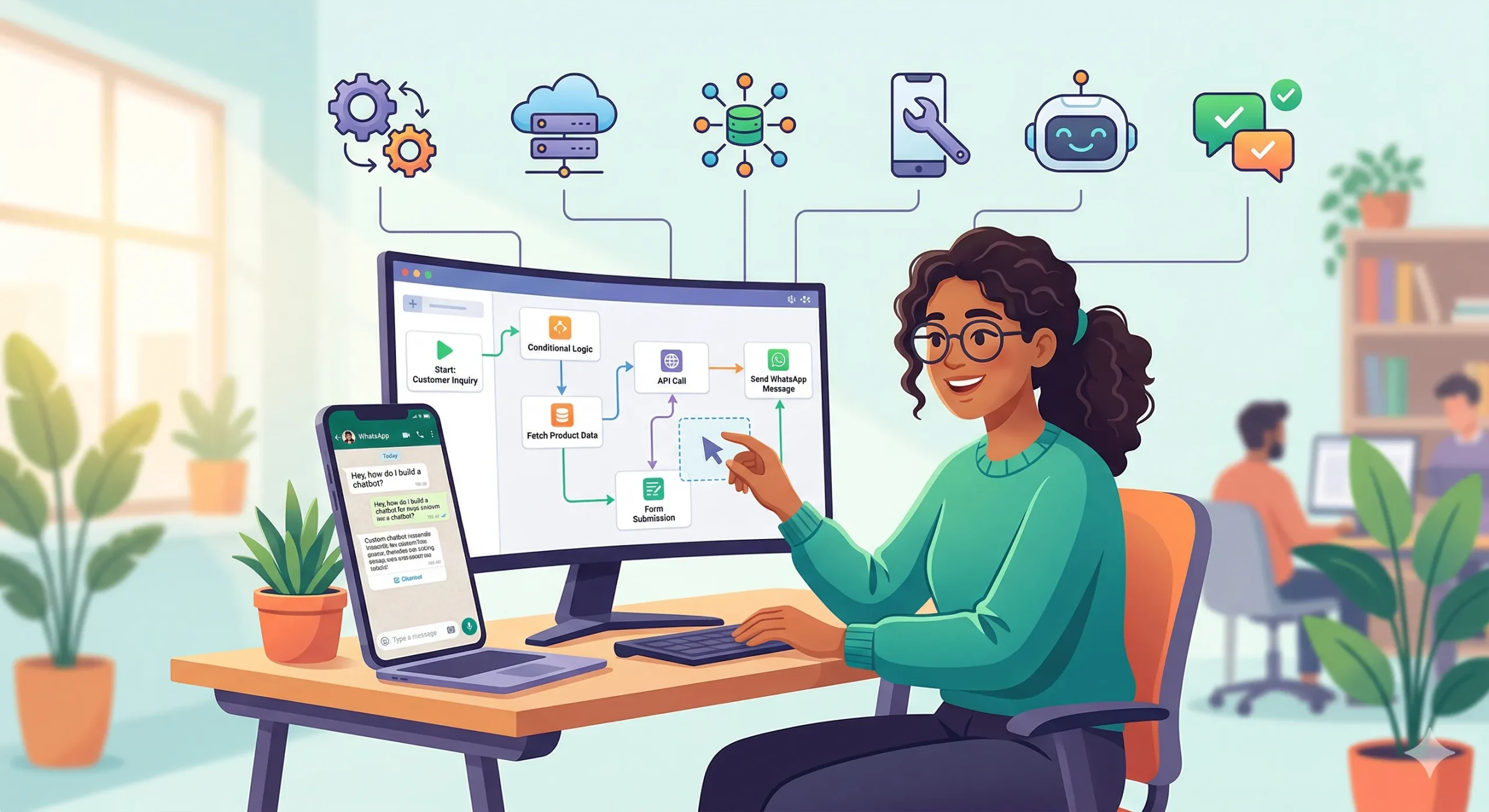
Open Bot Studio and drag your first node — the Start trigger. From there, add message nodes (text, buttons, images), routing logic, and endpoint actions. Connect the AI Chat Assistant node to handle natural language queries that don’t fit your structured flow.
Step 3: Train Your AI
Upload your FAQ document, product catalog, or support articles to the AI Chat Assistant. It learns from your content and responds to customer queries in natural language — escalating to a human agent when it can’t resolve something.
Step 4: Test and Deploy
Use the built-in Test mode to simulate conversations. Once satisfied, hit Deploy and your bot goes live on your WhatsApp Business number.
Want a guided walkthrough? Book a demo and we’ll build your first bot together.