
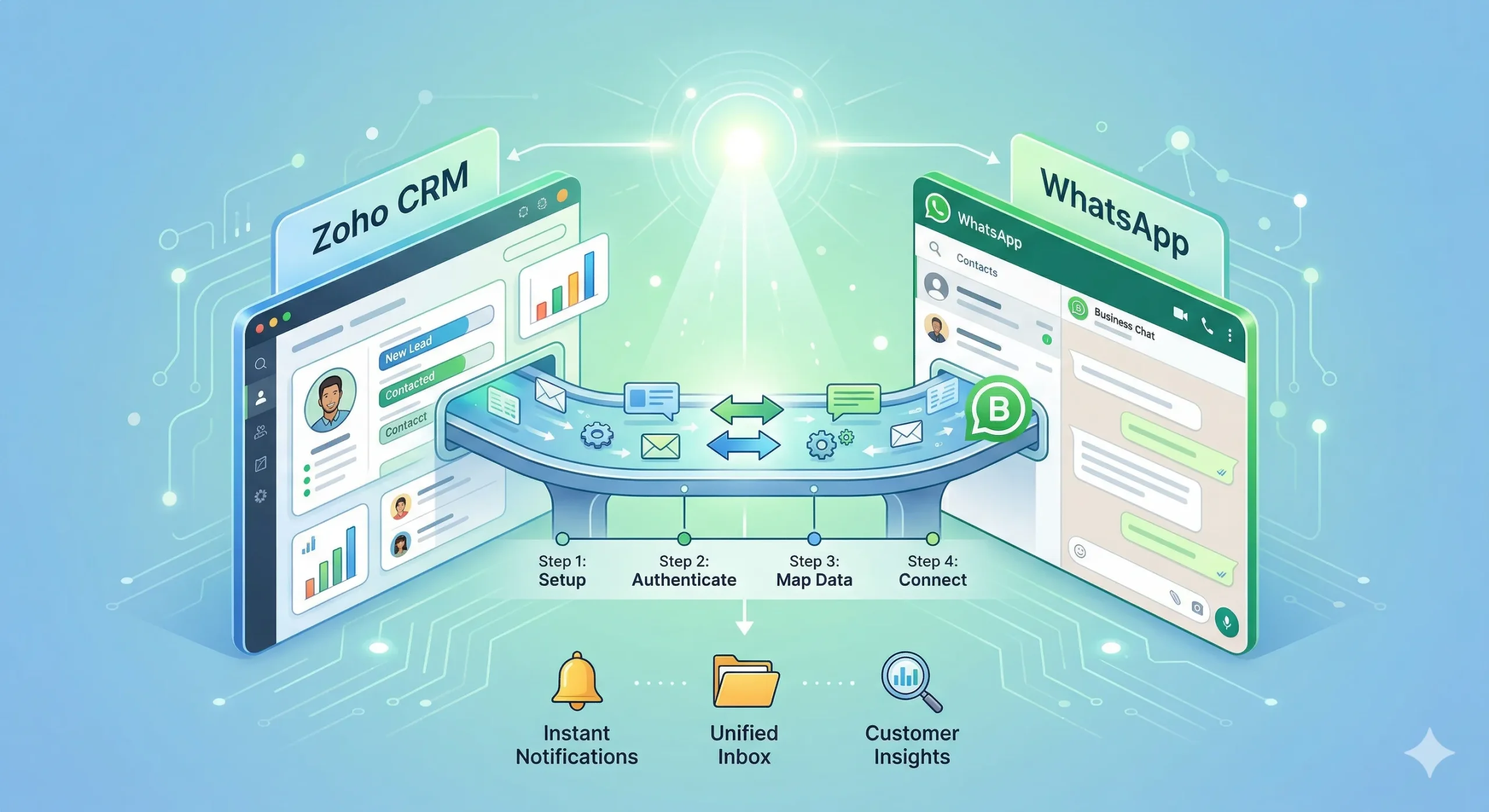
If your sales team uses Zoho CRM and communicates with customers on WhatsApp, keeping these two systems in sync is critical. postpulse.socialctrstaging.com/'s native Zoho CRM integration connects them in under 10 minutes.
What the Integration Does
Contact sync: New WhatsApp contacts automatically create or update Zoho CRM records. Lead tracking: Every WhatsApp conversation is logged as an activity in Zoho. Automated follow-ups: Trigger WhatsApp messages based on Zoho CRM pipeline stages.
Setup Steps
1. In postpulse.socialctrstaging.com/, go to Integrations and click Configure on Zoho CRM. 2. Authenticate with your Zoho account. 3. Map contact fields (name, phone, email, company). 4. Enable activity logging for conversations. 5. Set up automation rules for pipeline-triggered messages.
Use Cases
Send a WhatsApp welcome message when a new lead is created in Zoho. Notify your sales team on WhatsApp when a deal moves to ‘Negotiation’ stage. Automatically sync contact tags between both platforms.
Ready to connect? Book a demo and we’ll set it up with you.